Your car is gone.
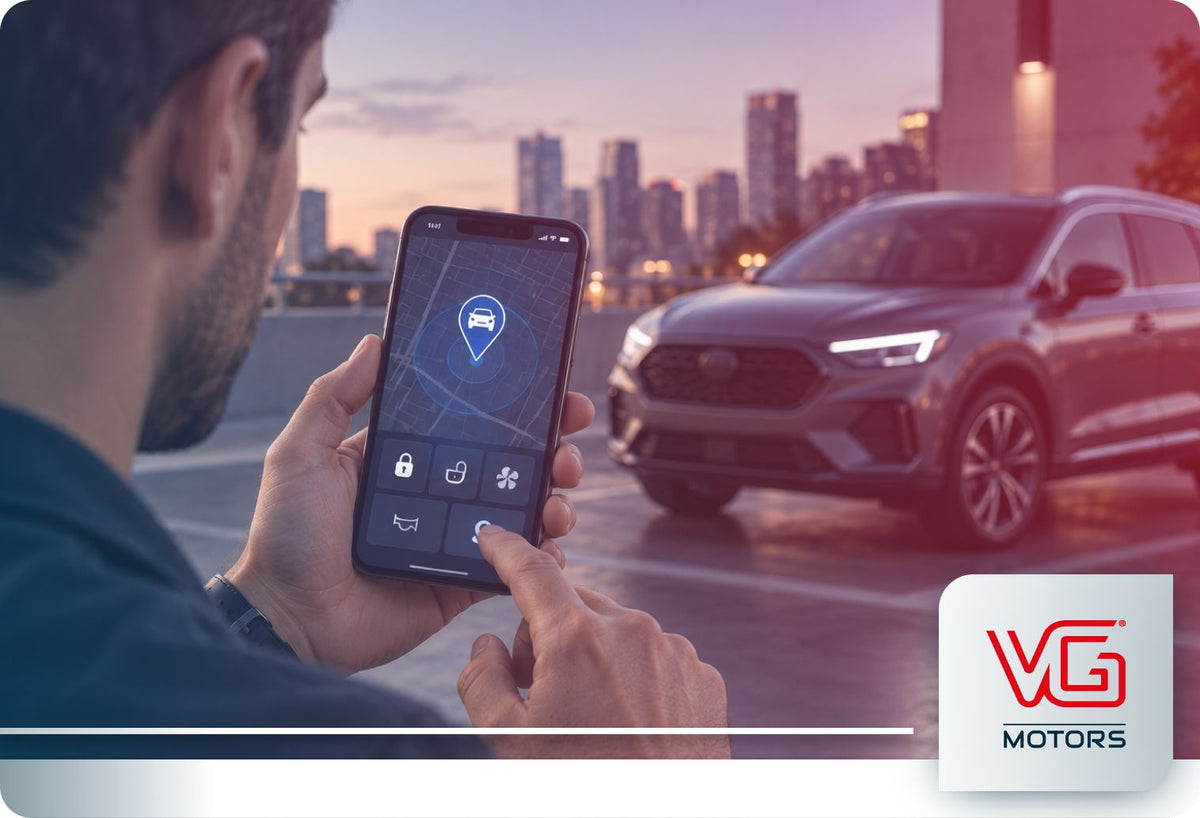
One of the first things you may reach for is your phone.
The manufacturer's app might already show the vehicle in your account.
Maybe there is a map.
Maybe you received a security alert.
Maybe the app offers remote lock, start or other controls.
So the question is obvious:
Can the app actually help if the vehicle has been stolen?
Sometimes, yes.
But an OEM app can play several very different roles during a theft situation.
It may show useful information.
It may alert you that something changed.
It may provide access to certain remote functions.
And, for some vehicles and services, it may connect you to a formal stolen-vehicle assistance process.
Those are related capabilities.
They are not the same thing.
Can a Factory Vehicle App Help After a Car Is Stolen?
A factory app may provide useful location, security and connected-service features after a theft, but what it can actually do depends on the manufacturer, vehicle, active services, connectivity and the specific stolen-vehicle assistance process available.
The most important distinction is this:
Seeing information in the app is not necessarily the same thing as starting a stolen-vehicle recovery process.
- A vehicle-location screen may help answer where the car appears to be.
- An alert may tell you that something unusual happened.
- A remote function may let you send a supported command.
- A theft-specific service may involve a response center and law enforcement.
Understanding which of those functions your app actually provides is what matters.
What Can a Factory Vehicle App Do During a Theft Situation?
Depending on the manufacturer and vehicle, an OEM app may provide access to several categories of features.
Vehicle Location
Some apps can show a vehicle's location or last reported location.
That can be useful information. But the name and purpose of the feature matter.
A Vehicle Finder, Find My Car or similar feature may primarily be designed to help an owner find a parked vehicle.
A separate theft-specific service may use location information through a different process.
Security Alerts
Some manufacturer apps can send push notifications related to suspicious activity.
Ford's current Security Package, for example, can send Theft Alerts through the Ford app for certain security-related events on eligible vehicles and active services.
An alert can be useful because it may tell the owner that something unusual is happening.
It does not necessarily mean the app has confirmed a theft.
Remote Functions
Depending on the vehicle and service, the app may support functions such as remote lock, unlock, start or other commands.
Some security platforms may add theft-related controls.
Those capabilities are system-specific and should not be assumed to work the same way across manufacturers.
Access to Stolen-Vehicle Assistance
In some ecosystems, the app can act as the doorway to a separate response service.
The app may help the owner initiate contact or access instructions.
The tracking, verification and law-enforcement coordination may then happen through a dedicated service.
The app may be the interface. The recovery process may happen somewhere else.

Seeing Your Car on a Map Is Not the Same as Stolen Vehicle Recovery
A map inside the app can represent different things. It may show:
- a parked-vehicle location
- a last reported position
- a connected-vehicle location
- a feature tied to a broader theft-assistance service
Toyota provides a useful example.
Within the same ecosystem, Remote Connect can include Vehicle Finder, while Safety Connect separately includes Stolen Vehicle Locator.
That creates two different questions:
Vehicle Finder: Where is my vehicle?
Stolen Vehicle Locator: What happens after the vehicle is reported stolen?
The same location data can support different services with different purposes.
What If the App Shows a Location After the Vehicle Is Stolen?
Treat it as information.
Do not treat it as an instruction to go retrieve the vehicle yourself.
A map may not tell you whether the vehicle is still there, when the location was last updated, who is nearby or what conditions exist around it.
If the vehicle has been stolen, report the theft to law enforcement and follow the procedure provided by the manufacturer or connected-service provider.
OnStar illustrates an important distinction here. During its Stolen Vehicle Assistance process, location information is used in coordination with law enforcement rather than simply turning the owner into the recovery team.
Owner-facing location and recovery-facing location are not always handled the same way.
Can a Factory App Alert You That the Car May Be Being Stolen?
Some can. But this depends on the vehicle, app and active service.
Ford's current Security Package provides one documented example through Theft Alerts in the Ford app on eligible vehicles.
Those alerts may notify the owner about certain security-related events detected by the system.
The key limitation is:
An alert reports an event detected by the system. It does not automatically establish that a theft has occurred.
If the vehicle is actually missing, the next step becomes the theft-reporting and assistance process, not simply monitoring notifications.
Can You Use Remote Commands After the Vehicle Is Stolen?
Possibly, depending on the system.
Ordinary app functions such as remote lock, unlock or start should not be assumed to remain available or appropriate once a theft occurs.
Some security services offer more specific functions.
Ford, for example, documents Start Inhibit on eligible vehicles through its Security Package, allowing an authorized user to prevent the vehicle from being restarted under defined conditions.
The broader rule is:
Remote commands are system-specific. Do not assume ordinary ownership controls become theft-recovery tools.
Use only the functions documented for your specific vehicle and follow the manufacturer's theft-response process.
Why the App May Stop Being the Main Tool Once Recovery Begins
Before a theft is confirmed, the app may be where the owner first notices something unusual.
It might show location, vehicle status, a security alert or access to assistance.
Once the vehicle is formally reported stolen, however, the process may move beyond ordinary app controls.
A manufacturer may require:
Police report → case verification → response center → tracking or assistance → coordination with law enforcement
At that point, the important system is no longer simply the smartphone interface.
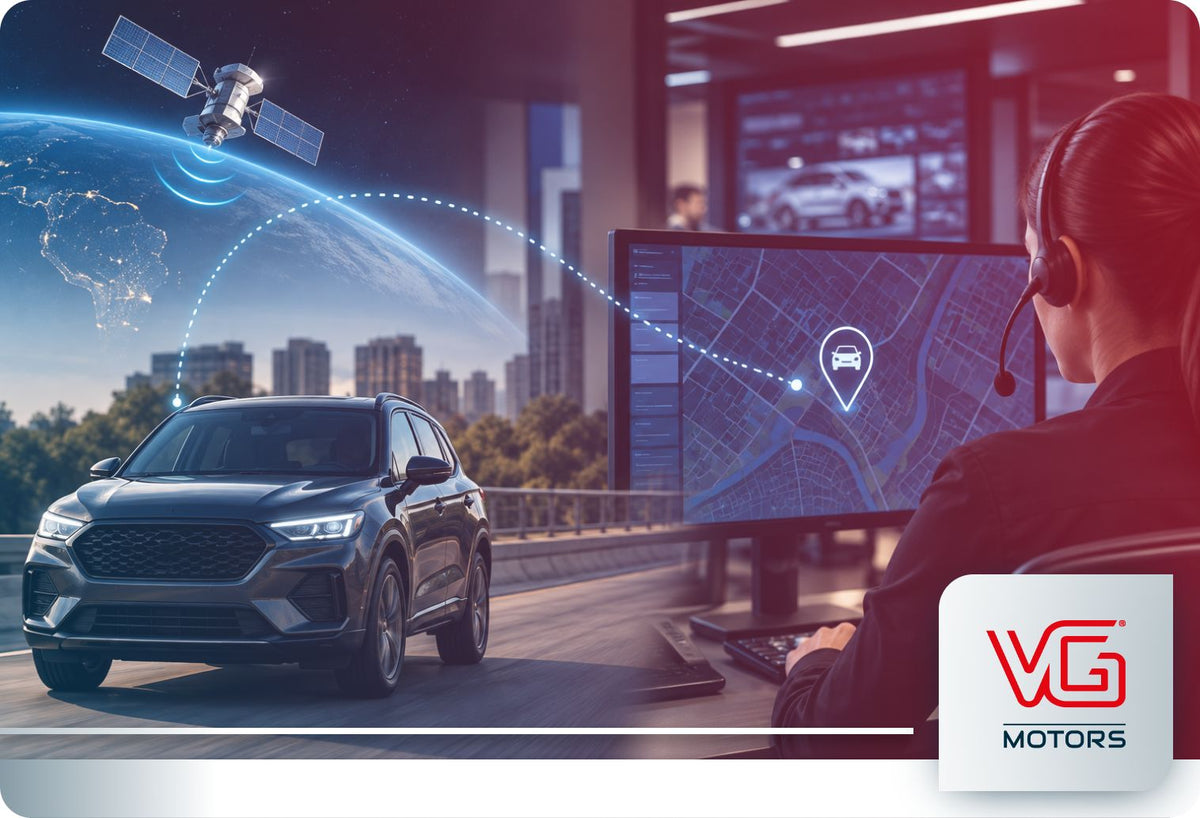
It is the service operating behind it.
Hyundai illustrates this well.
Bluelink combines owner-facing connected features with a separate Stolen Vehicle Recovery capability. After the required police report, Hyundai's Customer Care process can assist law enforcement with locating an eligible stolen vehicle.
This is why “My app can see the car.” doesn't tell the whole story.
The more useful question is:
“What process does the manufacturer provide once the car is officially reported stolen?”
For a manufacturer-by-manufacturer look at those capabilities, see:
Related: Can Car Manufacturers Track Stolen Vehicles?
What If the App Cannot Find the Vehicle?
That does not automatically tell you why.
Connected features may depend on conditions such as:
- GPS availability
- cellular connectivity
- vehicle power
- supported hardware
- active connected services
- account configuration
- the design of the specific feature
A vehicle may also show an older or last-reported position rather than a continuously updated location.
So: “The app can't see it” does not necessarily mean the vehicle has no location technology, and “the app can see it” does not necessarily mean the location will remain continuously available.
Does the App Need an Active Connected Service?
Often, at least some capabilities do.
The exact terms vary by manufacturer, vehicle and service.
An app may still provide basic account or ownership functions while specific remote, security or theft-related features require activation, an included service period or a paid connected-services plan.
We won't go deeper into trial expiration or renewal here because that is a separate question.
App Features and Theft Assistance Are Different Layers
A simple way to think about the factory app is in layers.

Not every manufacturer app provides every layer. And even when several capabilities appear inside the same app, they may be powered by different connected services.
One app can be the doorway to several systems without those systems being the same thing.
What Should You Know About the App Before You Ever Need It?
Before a theft ever happens, identify which app features are simply convenience or location tools and which are tied to a theft-specific response service.
That distinction matters much more than memorizing every menu or feature name.
If you are unsure what your specific vehicle supports, see:
Related: Does My Car Have Built-In GPS Tracking? How to Find Out
What Should You Do With the App If Your Vehicle Is Stolen?
Keep the sequence simple.
Check
See whether the app provides relevant alerts, location or theft-assistance information.
Report
Contact law enforcement and file the required stolen-vehicle report.
Use the manufacturer's process
If your vehicle has a theft-specific service, contact the response center or follow the procedure provided in the app.
Share information through the appropriate channel
Do not attempt to recover the vehicle personally based on a map location.
The app may be useful.
But it should support the response rather than turn the owner into the recovery process.
FAQ - Can Your Car’s Factory App Help If the Vehicle Is Stolen?
Can I track my stolen car through the manufacturer app?
Possibly. Some factory apps provide vehicle-location features, but their capabilities vary. A location shown in the app is not necessarily the same as a dedicated stolen-vehicle tracking or recovery service.
What if the app shows exactly where my stolen car is?
Report the theft to law enforcement and follow the manufacturer's stolen-vehicle assistance process. Do not attempt to recover the vehicle yourself based only on the app location.
Can the manufacturer app disable a stolen vehicle?
Some eligible vehicles and services support theft-related remote functions, but this is not a universal factory-app capability. Use only the functions documented by the manufacturer for your specific vehicle and service.
Why can I see my parked car in the app but not track it after theft?
Parked-location and stolen-vehicle assistance features may be separate services. A feature designed to help find a parked vehicle does not automatically provide a theft-specific tracking workflow.
Does the factory app need a subscription?
Some connected and theft-related features require activation, an included trial or an active paid service. Requirements vary by manufacturer, vehicle and feature.
Is the app itself the stolen-vehicle recovery system?
Not necessarily. The app may display information or provide access to a theft-response service, while tracking, verification and law-enforcement coordination occur through a separate connected-service process.
The App Can Help. What Happens Behind It Matters More.
A factory vehicle app can be surprisingly useful when something goes wrong.
It may show where the vehicle appears to be.
It may alert you to suspicious activity.
It may provide supported remote functions.
And it may connect you to a stolen-vehicle assistance service.
But those capabilities should not be collapsed into one idea.
Seeing location is not automatically recovery.
Receiving an alert is not confirmation of theft.
Having remote controls does not mean every command should or can be used after a theft. And opening an app is not necessarily where the recovery process ends.
The more useful question is: “What does this app give me access to after the vehicle is reported stolen?”
That answer depends on the vehicle, manufacturer, active services and the process behind the app.



Leave a comment
This site is protected by hCaptcha and the hCaptcha Privacy Policy and Terms of Service apply.