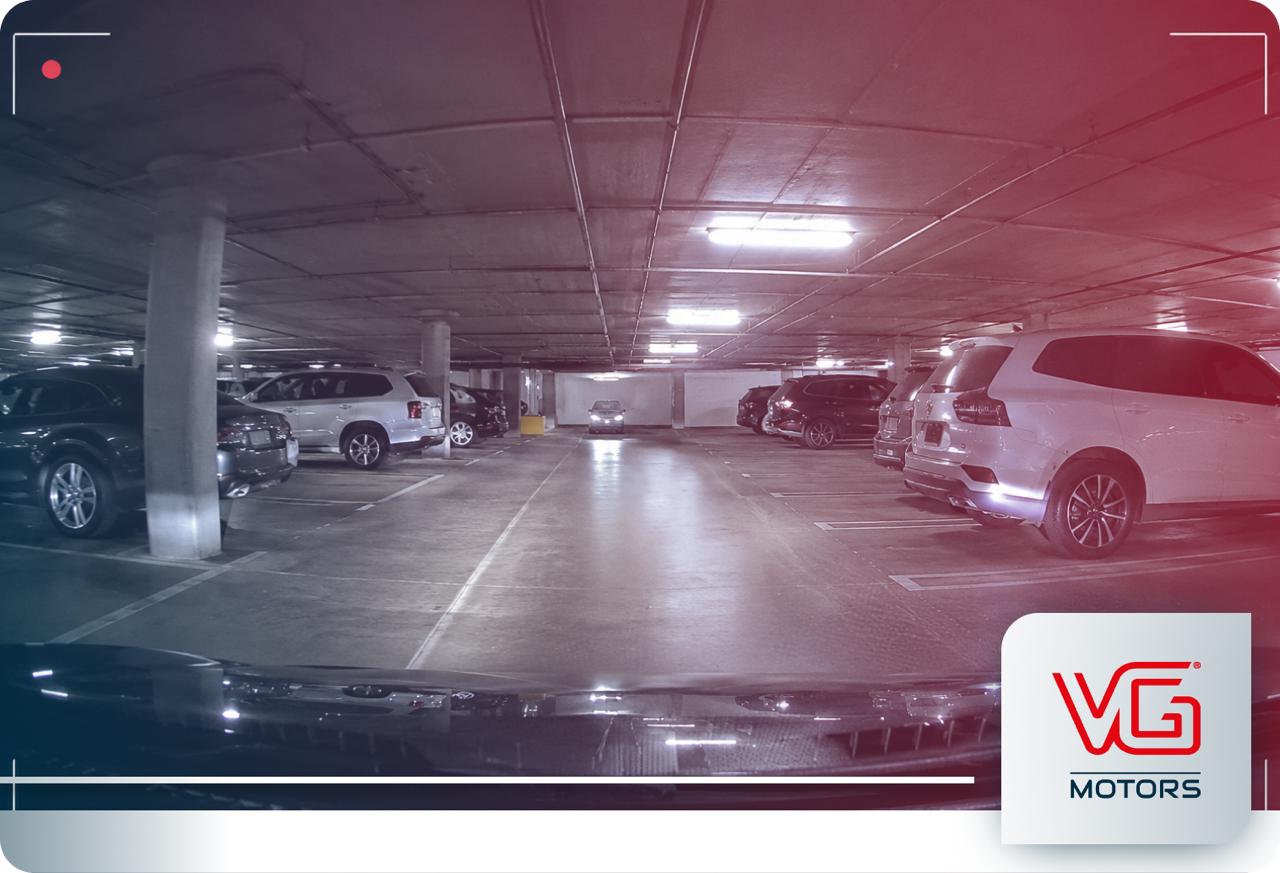
You park your car, turn off the engine and walk away.
An hour later, another vehicle bumps it in the parking lot.
Will your dash cam have recorded what happened?
Maybe, but simply having a dash cam doesn't mean it continues working after the vehicle is turned off.
That depends on Parking Mode, how the camera receives power and how it is configured.
Understanding those three things is much more useful than assuming the camera is “always recording.”
Does a Dash Cam Keep Recording After You Turn Off the Car?
A compatible dash cam can continue providing recording functions while your vehicle is parked, but it needs an appropriate power source and configuration.
This functionality is generally called Parking Mode.
Depending on the system and selected Parking Mode, the camera may continuously buffer footage, save recordings when motion or impacts are detected, or use other model-specific recording behavior.
So the important distinction is:
Parking Mode doesn't simply mean “the dash cam stays on.” It is a specific recording mode designed for when the vehicle is parked.
What gets recorded, what causes footage to be saved and how long the system can operate all depend on the camera, settings and installation.

How Does Dash Cam Parking Mode Work?
During normal driving, many dash cams continuously record footage using loop recording.
Parking Mode changes how the camera behaves after the vehicle is parked.
Depending on the model and selected settings, a system may temporarily buffer footage, save video after detecting motion, create an event recording after an impact or use another manufacturer-defined recording mode.
That means a dash cam doesn't necessarily treat an empty parking lot the same way it treats an active highway.
Consider a vehicle parked outside a store.
For 30 minutes, nothing relevant happens.
Then another vehicle makes contact with it.
A properly powered and configured dash cam with impact-related Parking Mode functionality may identify the event and save footage associated with it.
The exact behavior varies by system—which is why seeing the words “Parking Mode” on a specification sheet should be the beginning of your evaluation, not the end.
For technical behavior, configuration options and supported recording modes, owners should refer to the documentation for their specific camera model.
Motion Detection and Impact Detection Are Different
These features are often discussed together, but they respond to different conditions.
Motion detection
Motion-based Parking Mode is designed to respond to movement within the camera's monitored area.
Depending on the system, that might include activity around the parked vehicle that enters the camera's field of view.
Its obvious limitation is that movement still has to occur where the camera can detect and see it.
A front-facing camera cannot document everything happening beside or behind the vehicle.
Impact detection
Impact-related recording responds to physical force detected by the system.
That can matter in situations such as a parked vehicle being bumped or struck.
But detecting an impact and visually documenting exactly what caused it are not necessarily the same thing.
The event still needs to occur within the camera's visual coverage for the footage to show useful context.
Detection tells the camera something happened. Coverage determines what the camera could see.
Detection ≠ Coverage
Detection → tells the system that an event occurred.
Coverage → determines what can actually appear in the footage.
Parking Mode can recognize an event without guaranteeing that every relevant detail was visible to the camera.
Parking Mode Needs Power
This is one of the most important practical points.
A dash cam needs electricity to operate.
While you're driving, supplying that power is relatively straightforward because the vehicle is running.
Once the ignition is turned off, the situation changes.
For Parking Mode to continue operating, the dash cam needs an appropriate power configuration.
Depending on the camera and installation, that may involve hardwiring the camera to the vehicle or using a compatible dedicated battery solution.
BlackVue supports Parking Mode on compatible systems through appropriate power configurations, as documented in its official installation and model-specific manuals.
This is why buying a camera advertised with Parking Mode doesn't necessarily mean you can install it in any way and expect parked recording to work automatically.
Parking Mode is a camera capability. Using it also depends on installation and power.
Will Parking Mode Drain Your Car Battery?
It's a reasonable concern.
If a camera needs power while the engine is off, drivers naturally wonder what that means for the vehicle battery.
The answer depends on how the dash cam is powered and what battery-protection settings or accessories are being used.
Compatible hardwired BlackVue systems can use voltage monitoring and configurable cutoff settings designed to stop Parking Mode when defined voltage or time thresholds are reached.
Those features can help reduce the risk of excessive battery discharge, but they do not change the basic fact that the dash cam uses energy while operating.
A compatible dedicated dash-cam battery is another possible approach for drivers who want Parking Mode without relying on the vehicle battery in the same way.
The practical lesson isn't that one method is universally best. It's:
Power management should be part of the Parking Mode decision, not an afterthought.
Does Parking Mode Record Everything That Happens Around Your Car?
No. This is one of the most important limitations to understand.
Parking Mode doesn't turn a dash cam into complete surveillance around the vehicle.
What can be recorded still depends on several factors.
Camera coverage.
A front-only camera primarily sees what's ahead. A multi-camera system can expand coverage but still cannot see every angle around the vehicle.
Lighting and environmental conditions.
Nighttime, glare, weather, distance and obstructions can affect what appears in footage.
Recording behavior.
Different Parking Modes and settings respond differently to motion, impacts and other events.
Power availability.
Once the camera no longer has sufficient power, it cannot continue recording.
Storage.
Recorded footage also has to fit within the system's available storage and file-management behavior.
Parking Mode extends when your dash cam can be useful. It does not guarantee that every incident around a parked vehicle will be captured.
How Long Can a Dash Cam Record While Parked?
There is no universal Parking Mode runtime.
It depends primarily on the power source, battery capacity or cutoff settings, camera activity and configuration.
A camera monitoring a quiet residential garage may experience very different recording activity from the same system in a busy public parking lot.
So instead of asking “How many hours does Parking Mode last?”
A better question is:
“What powers my camera, and what stops it from recording?”
That answer will tell you much more about realistic parked operation than a generic runtime claim.
What Happens to Parking Mode Footage?
Recording an event is only part of the process.
You also need to be able to find the footage afterward.
Dash cams typically have finite storage and commonly use loop recording, meaning older footage may eventually be overwritten as new recordings are created.
Depending on the model and configuration, Parking Mode recordings may also be categorized differently when motion or impact events are detected.
BlackVue documents these recording and file-management behaviors in its official manuals, which should be used as the primary technical reference for a specific model.
If you discover damage to your vehicle, reviewing and preserving potentially relevant footage promptly is therefore important.
Don't assume a recording will remain on the memory card indefinitely simply because the camera captured it.

Does Parking Mode Help With Theft or Break-Ins?
Potentially with documentation, but expectations should remain realistic.
If an incident occurs within the camera's coverage, while the system is powered and under conditions that produce relevant footage, Parking Mode may provide useful visual information.
But a dash cam should not be treated as a guarantee against theft or break-ins.
Recording a theft-related event is not the same as preventing theft or recovering a stolen vehicle.
Those are separate vehicle-protection functions.
For a broader explanation of where dash cams fit into vehicle protection:
Related: Are Dash Cams Worth It? What They Help With—and What They Can’t Do
When Is Parking Mode Actually Worth Having?
Parking Mode becomes particularly relevant when your concern doesn't end when you turn off the engine.
Maybe your vehicle spends hours in an apartment parking garage.
Maybe you regularly use large public parking lots.
Maybe street parking is part of your everyday routine.
Or perhaps you've returned to your vehicle before and discovered damage without knowing when or how it happened.
In those situations, extending the camera's potential recording window beyond driving can be valuable.
But the decision should still begin with expectations.
Ask yourself:
What am I hoping the camera will capture while I'm away?
Does my camera configuration cover that area?
How will Parking Mode be powered?
How will I access and preserve footage if something happens?
If those questions have clear answers, Parking Mode becomes much more than a feature name on a product page.
It becomes a capability you actually understand how to use.
Which BlackVue Dash Cams from VG Motors Support Parking Mode?
Both BlackVue configurations currently offered by VG Motors support Parking Mode when appropriately installed and powered.
BlackVue DR590X-1CH Plus
The BlackVue DR590X-1CH Plus supports Parking Mode with the appropriate hardwired power configuration, including motion- and impact-related recording behavior documented for the model.
Available from VG Motors:
https://www.vgmotorsdirect.com/products/simple-wifi-dashcam-blackvue-dr590x-1ch-plus-64-gb
BlackVue DR970X-2CH Plus II
The BlackVue DR970X-2CH Plus II also supports Parking Mode with an appropriate power configuration and can provide recording from its front-and-rear camera setup during compatible parked operation.
Available from VG Motors:
https://www.vgmotorsdirect.com/products/4k-dashcam-blackvue-dr970x-2ch-plus-ii-64gb
The key decision in this article is not which camera provides more visual coverage.
It is whether the camera's Parking Mode behavior, power setup and configuration match what you want it to do while the vehicle is unattended.
FAQ - Does a Dash Cam Record When Your Car Is Parked? How Parking Mode Works
Does a dash cam keep recording when the car is off?
It can if the camera supports Parking Mode and has an appropriate power source. Simply turning off the vehicle does not mean every dash cam will automatically continue recording.
Does Parking Mode record continuously?
It depends on the dash cam, selected Parking Mode and configuration. Some systems can buffer footage, create motion-related recordings, save impact events or use other model-specific recording behavior.
Does a dash cam need to be hardwired for Parking Mode?
Hardwiring is a common way to provide power for Parking Mode, but compatible dedicated battery solutions may also be available depending on the camera system.
Can Parking Mode drain a car battery?
A camera drawing power while the vehicle is off uses energy. Compatible systems may use voltage monitoring and cutoff settings designed to help reduce the risk of excessive battery discharge.
Will Parking Mode record someone hitting my parked car?
It may, if the camera is powered, appropriately configured and the event produces a relevant recording. Whether the footage clearly shows what happened also depends on camera coverage and recording conditions.
Does Parking Mode prevent car theft?
No. Parking Mode is a recording capability, not a guarantee against theft. It may document certain events under appropriate conditions, while theft prevention and stolen-vehicle recovery are separate functions.
Parking Mode Is Useful When You Understand What It Actually Does
Parking Mode solves a very specific limitation of ordinary dash-cam use: incidents don't only happen while you're driving.
It can extend the opportunity to create a visual record into the hours when your vehicle is parked and unattended.
But that capability depends on more than the words Parking Mode on a specification sheet.
The camera needs power.
Its configuration matters.
Its field of view matters.
And the event still has to occur under conditions the system can record usefully.
Parking Mode doesn't make a parked car fully observable. It simply gives a properly powered dash cam another opportunity to create a useful record while you're away.


Leave a comment
This site is protected by hCaptcha and the hCaptcha Privacy Policy and Terms of Service apply.